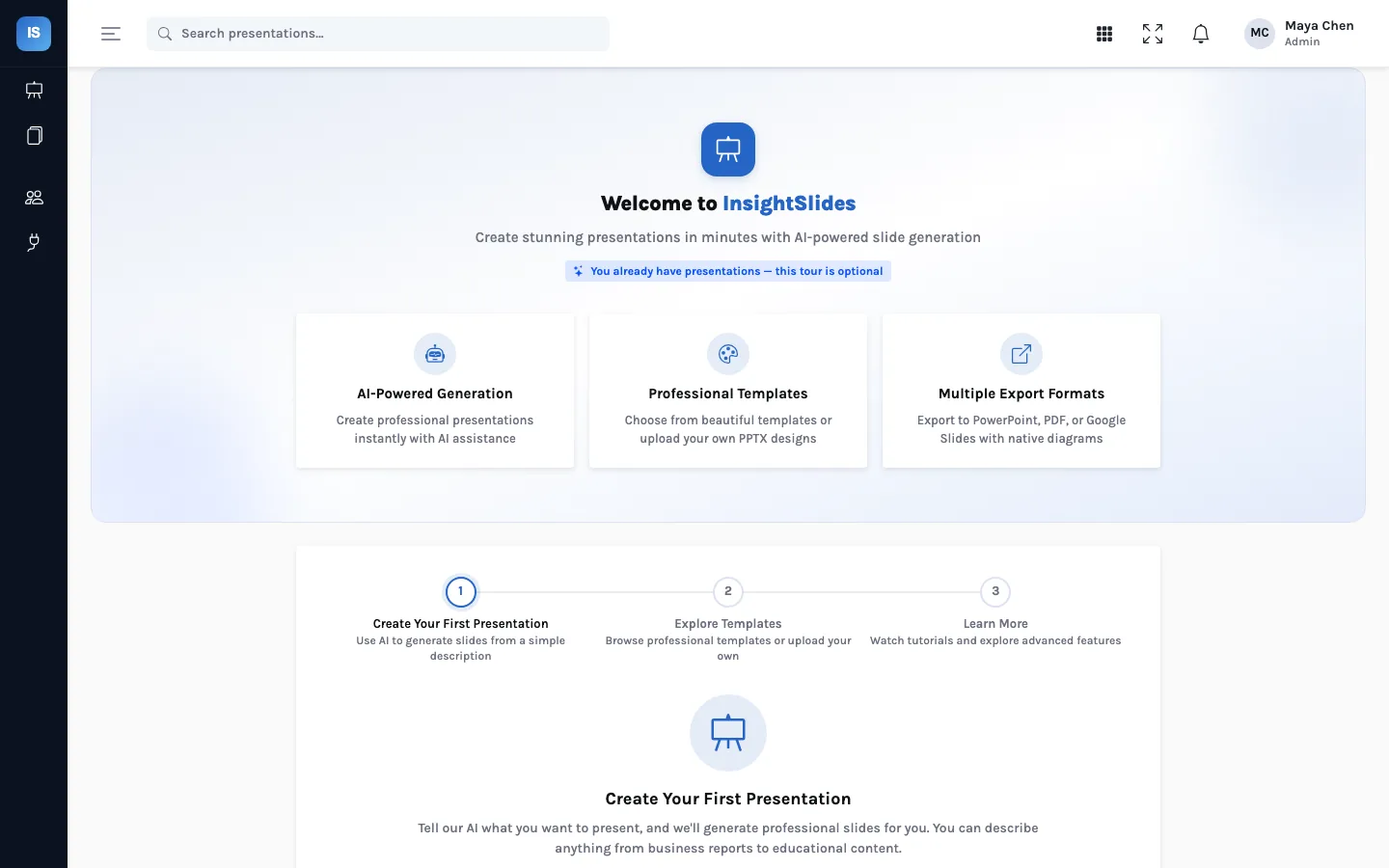
This is a worked example with a made-up organisation. Larkspur Health is a fictional community health provider with several clinics. Its people team welcomes new clinic staff every month, and each site lead used to build their own first-week slides. The team wants one friendly deck every site can use.
The brief
The people partner creates a deck with a casual tone, four slides and the Modern Green template:
A friendly first-week guide for new clinic staff: who they will meet on day one, the systems they need to set up, where things are (badge, lockers, fire exits, first aid), what happens each day of the first week, and who to ask about what. Warm, plain language; no jargon. One timeline diagram for the week.
Tone matters here. The same content in a professional tone reads like a policy; casual reads like a colleague. The tone is one of four choices in the create form (professional, casual, academic, creative) and is passed to the planner and to the writing of every slide.
The deck
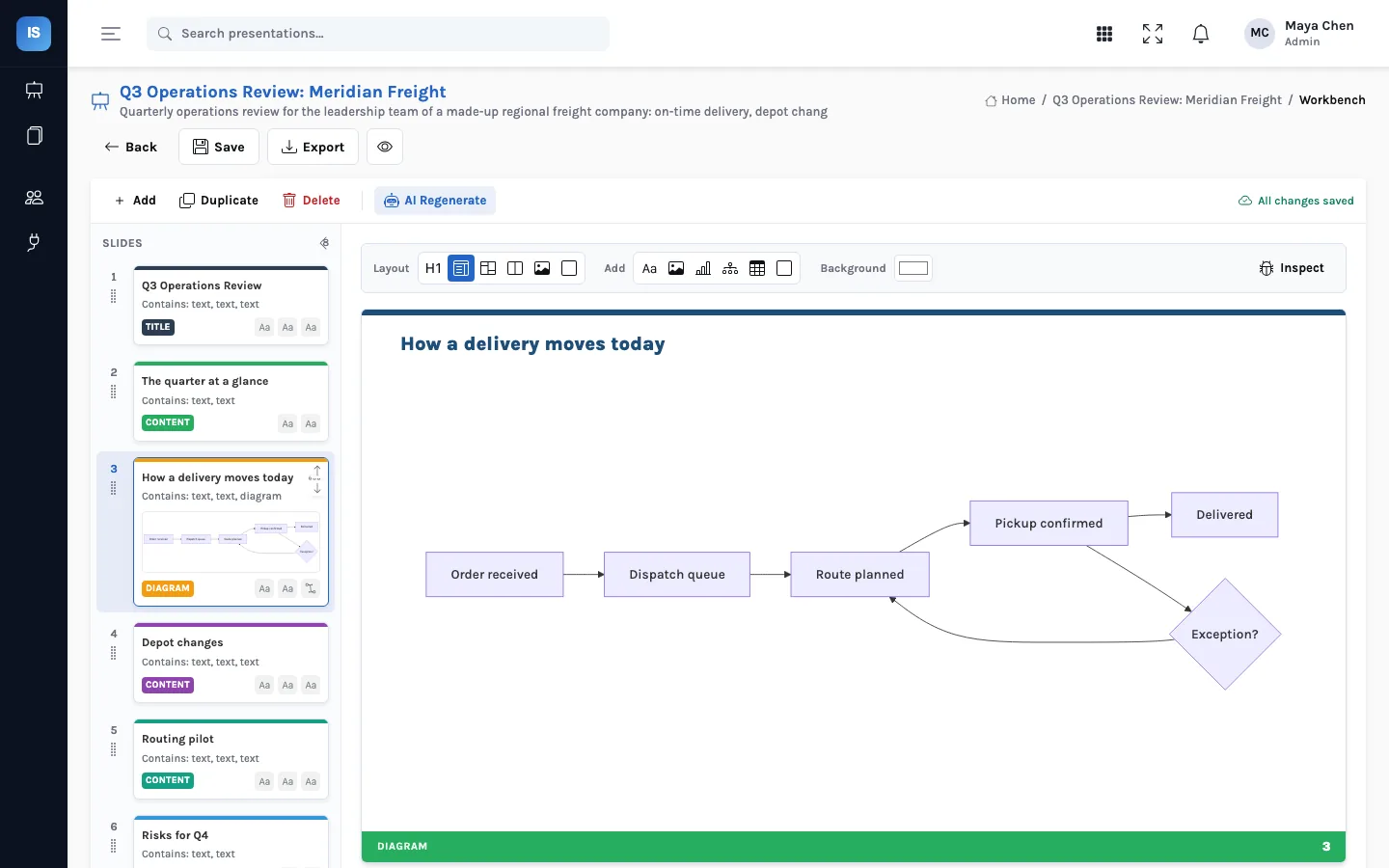
The result: a welcome slide, Day one, Your first week with a timeline, and Who to ask, each with speaker notes for whoever runs the welcome session.
Making it work for every site
In the workbench the people partner makes the deck site-neutral: "your buddy", "your team lead", "the IT desk" instead of names, so any site lead can present it without editing. She keeps the speaker notes, which explain what to say and what to hand out on each slide.
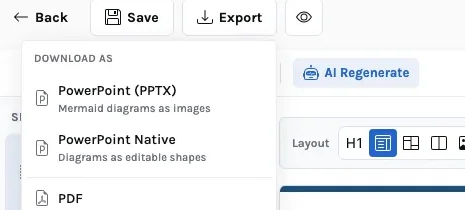
Then she exports it twice:
| Export | For |
|---|---|
| PowerPoint, diagrams as native shapes | Site leads who want to add their own photos or change the timeline in PowerPoint. The timeline is drawn as a five-step flowchart, which is the diagram type the native export converts |
| A read-ahead for new starters, and a reference copy for the people team |
Site leads who run the welcome session present from InsightSlides' own slideshow, which shows the speaker notes alongside each slide, and the exported files go to new starters.
One deck, many sites
Every site now opens the same deck. When the IT desk changes its process, the people partner edits one slide in the workbench and sends a new export, instead of asking six site leads to update six different files. New starters get the same welcome wherever they join.
Keeping it current
Onboarding content changes in small ways all the time: a new system, a moved locker room, a different first-day contact. Because the deck lives in InsightSlides rather than as six copies on six laptops, one person owns it. A simple routine keeps it right:
- Review the deck each quarter with one site lead and one recent starter.
- Edit the slides in the workbench, not the exported files, so the next export includes every change.
- Keep the speaker notes as the script for the welcome session; update them when the session changes.
- Re-export both the PowerPoint and the PDF and replace the old copies wherever they are shared.
The session, step by step
- Write the brief above, choose four slides, the casual tone and the Modern Green template, and generate.
- Read the four titles in the navigator. Add a fifth slide, Before you arrive, by hand: the generator was asked for four.
- Replace every name with a role, and every site-specific detail (locker numbers, door codes) with a line telling the site lead what to fill in.
- Open the timeline's Mermaid code and set the five steps to the real shape of the week, keeping each label short.
- Rewrite the speaker notes as the welcome script, then step through the deck in the slideshow to check it reads aloud.
- Export to PowerPoint with native diagrams and to PDF, and share both from the people team's usual location.
The timeline's code stays short enough to read at a glance:
flowchart LR
  A[Mon: welcome] --> B[Tue: systems]
  B --> C[Wed: shadow a shift]
  C --> D[Thu: first tasks]
  D --> E[Fri: check-in]
Because the slides are generated from the brief rather than copied from an old deck, the first draft carries none of the out-of-date details that tend to survive in hand-made onboarding slides. The people partner's time goes into checking what is true at the sites today.
Checklist before it goes to every site
- No personal names, phone numbers or door codes on any slide or in the notes.
- Every site-specific gap is marked as such, so a site lead cannot miss it.
- The timeline matches the real first week at the site with the most starters.
- Someone who joined recently has read it and found nothing confusing.
Frequently asked questions
Can each site keep its own version?
Yes: duplicate slides or create a deck per site from the same brief. The trade-off is that every copy then needs its own updates, so keep site-specific details to one clearly marked slide if you can.
Is the casual tone too casual for clinical staff?
Tone changes the wording, not the facts. If a section, such as safety, needs to be formal, edit that slide's text; the rest of the deck can stay friendly.
Can new starters see the deck in InsightSlides?
Only if they have an account. For most organisations the PDF export, shared where new starters already look, is simpler, and the deck in InsightSlides stays the master that the people team edits.
Other people-team decks that fit this pattern
- Policy explainers (leave, expenses, safety) in plain language, with a process flowchart.
- Training sessions with speaker notes for the trainer, in an academic or professional tone.
- All-hands updates where each team contributes a slide to a shared structure.
For any of them, the quality of the brief decides the quality of the first draft: see the guide to writing a brief.